
Gadget Audit verdict
A compact smart speaker earns its place when its microphone state is obvious, permissions are minimal and recordings are manageable. Convenience should be configured, not assumed.
Reasons to choose
- Small, inexpensive control point
- Useful for timers and simple routines
- Physical controls are easy to find
Reasons to pause
- Cloud processing creates privacy trade-offs
- Audio quality is room-scale, not hi-fi
- Settings need periodic review
A smart speaker is both a convenient control surface and a networked microphone. The right setup acknowledges both facts. Before connecting lights, locks or contacts, reduce permissions to the smallest set the routine actually needs.
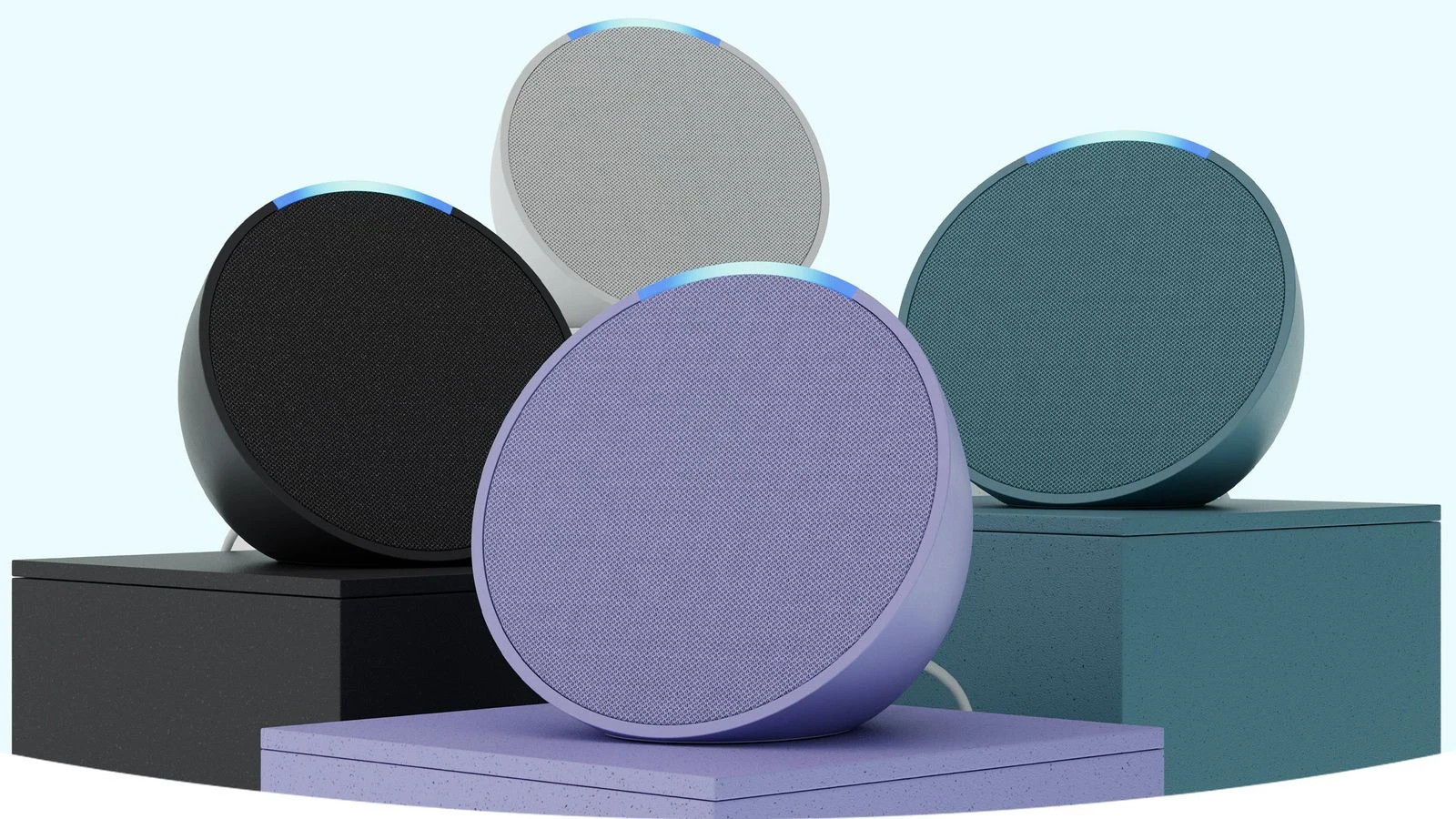
This guide uses the Echo Pop as a concrete example and includes its official product video. It is a setup guide, not a security certification or direct privacy audit.
How we reviewed these picks
Sample provenance: Gadget Audit did not purchase the products, use them hands-on, or perform lab testing for this article. We reviewed official product information and official video, separated published claims from measurements, and left unknowns visible. Any direct testing update will identify the sample, test equipment, conditions and raw results.
Comparison table
| Product / criterion | Published claim | Bench result | Best use |
|---|---|---|---|
| Microphone mute | Immediate physical control | Not independently measured | Use whenever voice input is unnecessary |
| Voice history controls | Account-level review/deletion | Not audited in this guide | Check after setup and periodically |
| Connected-device access | Only devices required by routines | Not audited in this guide | Avoid broad default access |
Values marked as claims come from the product or campaign material already documented in Gadget Audit’s existing coverage. Empty bench fields are deliberate.
Start with the mute control
Everyone in the room should know how to disable listening without opening an app. Test the physical control and its indicator before placing the speaker permanently.
Connect one service at a time
Broad account linking creates invisible dependencies. Add the one music, calendar or home-control service you actually use, then review what information it can read.
Create a deletion habit
Settings change and histories grow. Add a calendar reminder to review voice history, connected skills and household access. Privacy is maintenance, not a one-time toggle.
Official product video
Official manufacturer footage loads only when selected.
Flaws, but not deal-breakers
A smart speaker still depends on a cloud service and account settings that can change. A mute button reduces exposure but does not make the entire ecosystem local or anonymous.
Also considered—or cut before testing
Cut as a room controller because it follows one person rather than serving a shared space.
Worth considering when cloud independence matters more than voice-service breadth.
Frequently asked questions
Does the mute button disconnect power?
No. It disables microphone input; it is not the same as unplugging the device.
Should a smart speaker control door locks?
Only after reviewing account security, household access and confirmation requirements. Start with low-consequence routines such as lights and timers.
Is this a security test?
No. It is a research-based setup checklist and does not claim penetration testing or a device teardown.
Open discussion
No account or membership is required. Because this edition is a static publication, reader notes are handled openly by email until persistent on-page comments are available.
Send a reader note →